


Your Employee Handbook is SUPER important.
It can help you drive culture, reinforce behaviors and share knowledge across the company in an easy and simple way.
I’ve seen tons of great handbooks created as PDFs or Word documents. They’re fine and they get the job done, but I have a better way to get the job done that costs absolutely ZERO extra dollars (if you already have access to Microsoft 365).
I’m not going to get into the HOW, but I do want to tell you the WHY of building your handbook in SharePoint. Then, maybe you’ll care about the HOW (I’m holding training class to do just that on the 26th).
Let’s do this.
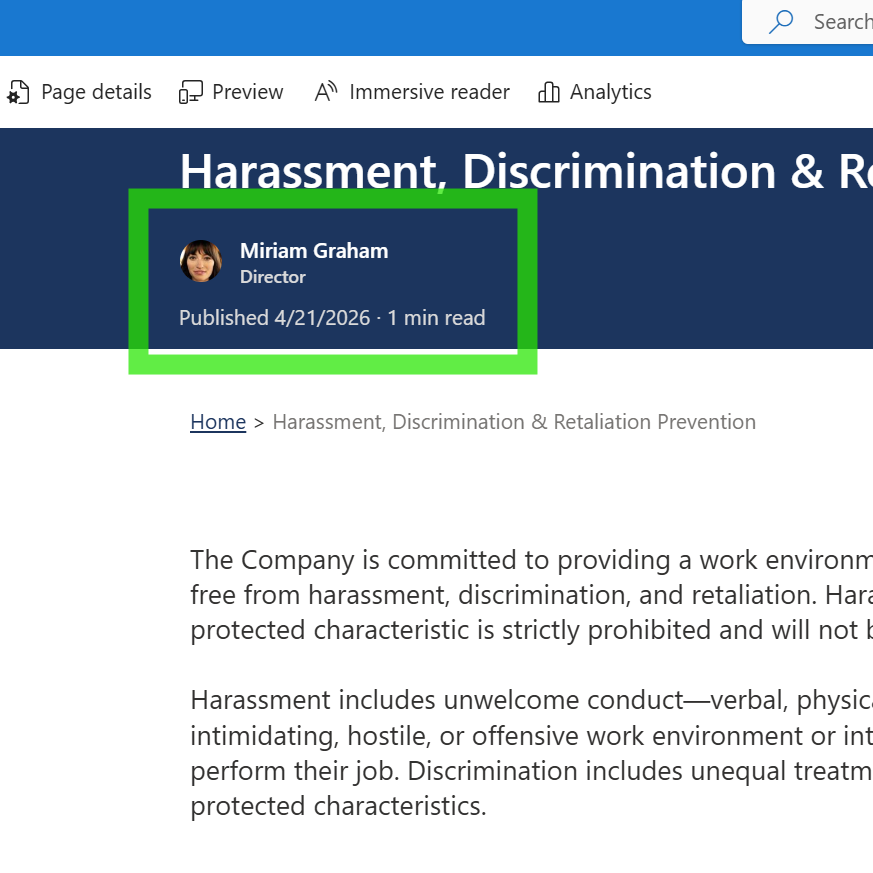
- Dynamic Point of contact – Every page of your handbook will have an area where you can add any user in your organization. It’s easy to do and easy to update. It’s simply so that the employee reading the page knows EXACTLY who is responsible for the words on the page and who to go to with any questions.
- Automatic Published Date – What does it do to an employee when they see a recently updated/published page? It gives them confidence to know that the information is accurate and reliable. You definitely WANT this in your handbook. It comes standard if you build it using SharePoint
- Estimated Read Time – This is a great level set. It shows the employee what they’re in for (good or bad). SharePoint creates this for you automatically based on the content on the page.
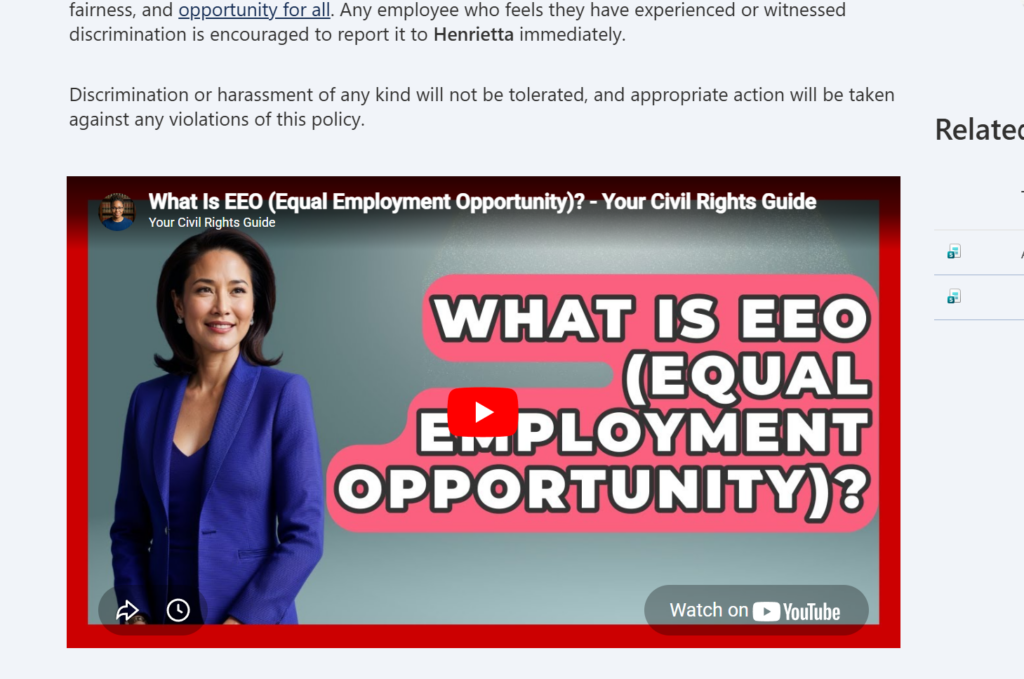
4. Embeded Videos – Sometimes, text and pictures aren’t enough to drive the point home. Sometimes, a YouTube video does a better job than you can with the words you’ve crafted. Or better yet, YOU can record your own video and embed that into the handbook to further explain the matter at hand. Again, this is free of charge because you already pay for all of this.
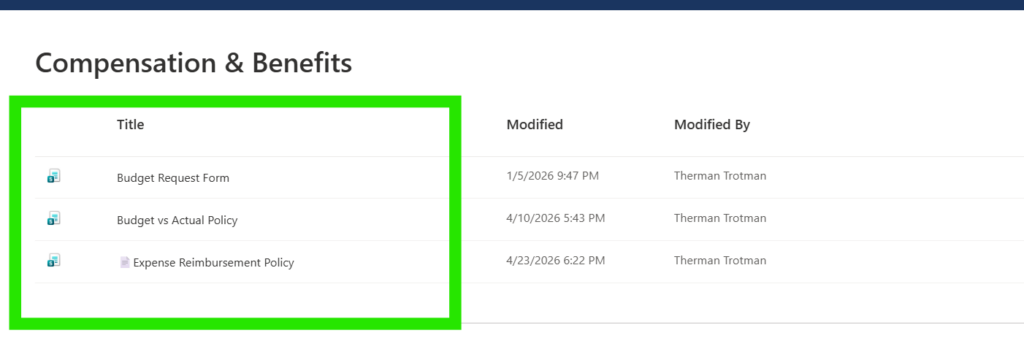
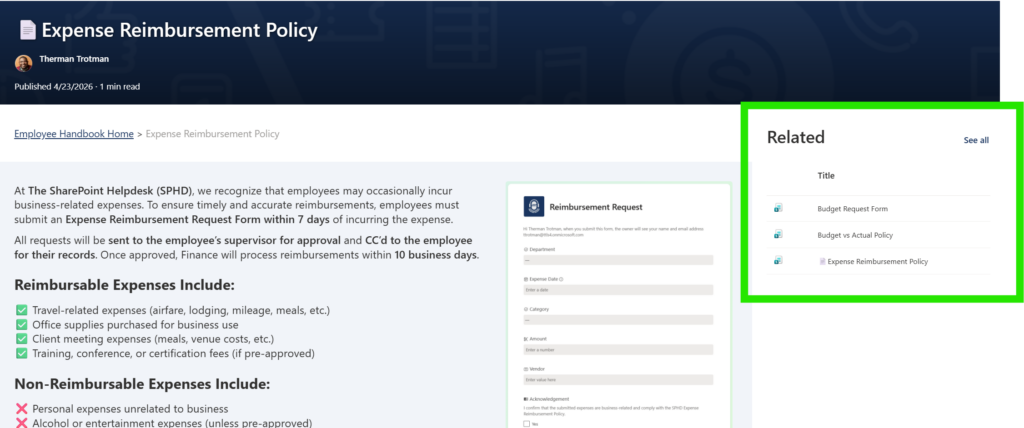
5. Related Items – You can make it VERY easy for employees to read through specific sections of your handbook. Using metadata, you can control what items show up as related items. You can duplicate it too. So maybe you think the reimbursement policy should show up in the Travel section as well as the Timesheet section. Do it! No copy and pasting. Just good ole’ metadata.
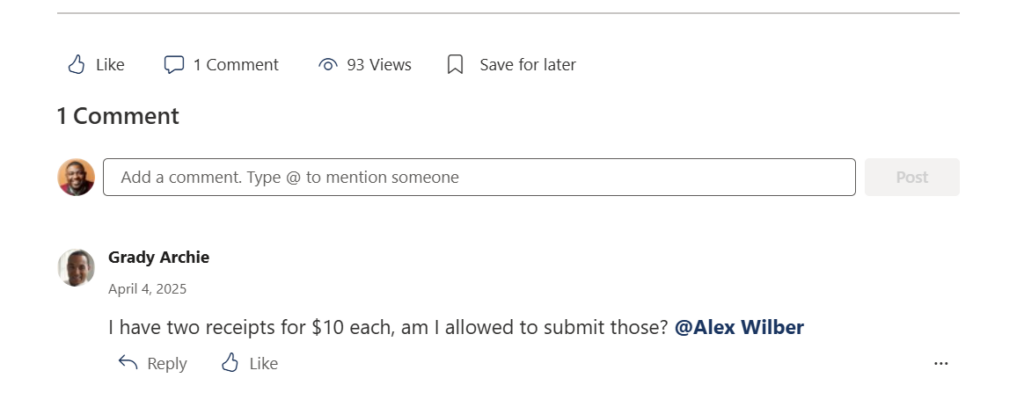
6. A Comment Section! – At the bottom of each page in the handbook, you can turn on a comment section. This can help promote the culture of your organization just like we see on social media. The comment section, when managed effectively, can really enhance the connection between those who engage in it. Look for the champions throughout the org to really take the lead here.
7. Digital Signatures – With a PDF or Word doc, it’s a bit of a struggle to capture signatures. Can it be done? Yes. Would I do that? Nope. I’d use SharePoint to capture the user information and I’d use a form to have the employee acknowledge that they’ve read the handbook. Simple.
I’m hosting a training class where I show you exactly how to do this. Find out more here.
Leave a Reply