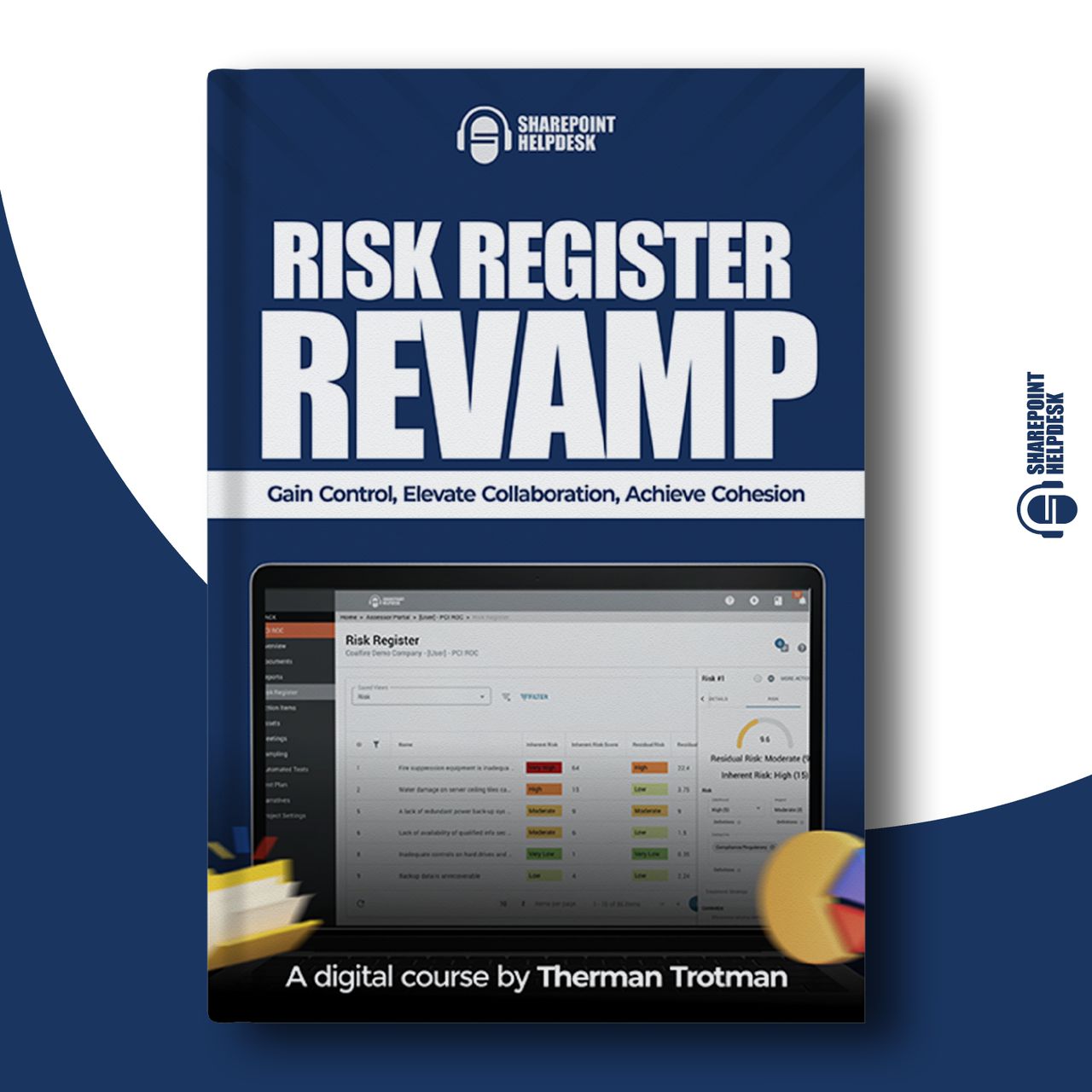
The risk register revamp
Are you tired of managing your risk register in Excel, knowing there’s a better way? Well, there is.
With this course, you’ll learn how to create, manage and optimize your risk registers using SharePoint. A tool you already have at your fingertips via the Microsoft 365 suite.
Enroll now, and say goodbye to the headaches of spreadsheets.
Duration
110 Mins
Course Format
Online Classes
Price
$147
Language
English
Course Description
The Risk Register course is specially designed to equip you with the knowledge and skills to streamline your risk management processes using SharePoint. Enroll now to experience seamless collaboration and increased cohesion within your organization by leveraging the powerful features of SharePoint!


When you take this course, you’ll learn how to:
- Create Your Register in SharePoint
Learn the fundamentals of setting up your risk register efficiently and effectively.
- Add Automation
Implement automation to ensure you stay updated on critical changes and events within your risk register.
- Create and Use Views
Customize your risk register’s display to suit your needs, enabling better collaboration and risk management.
Course Structure
Here is a breakdown of the Advanced Risk Register Course:
1
Create The Risk Register
No fluff here. We jump right into it. I’ll show you how to create the risk register in SharePoint.
LENGTH: 24 MINS
2
Upgrade The Look and Feel
I’ll show you how to use formatting to make your Register look good!
LENGTH: 19 MINS
3
Viewing Risks in Various Ways
Learn to create views so you and your teammates can personalize your risk management.
LENGTH: 31 MINS
4
Automation
I’ll show you to get automatic notifications when things happen on your register. I’ll introduce you to Power Automate as well.
LENGTH: 15 MINS
5
Risk Mitigation
Create tasks in SharePoint and connect them to your risks. Or use your favorite third party app. Then we’ll wrap up!
LENGTH: 21 MINS
Benefits of SharePoint for Risk Management
One Risk Register in SharePoint is better than multiple spreadsheets in Excel. With SharePoint, you can:

Create Views:
Streamline collaboration for your team members with custom views.
Enhanced Collaborative Features:
Enable your team to work together more effectively on managing risks.
Out-of-the-Box Automation:
Leverage workflows, alerts, and notifications to enhance risk management.
Boost Project Success Rates:
Proactively address risks and improve your project’s outcomes.
meet mr sharepoint: the founder and lead instructor at SharePoint HelpDesk
Meet Your Instructor

I’m Therman Trotman aka Mr SharePoint – the SharePoint expert who isn’t your typical “IT Guy”. With over 22 years of experience in the IT industry, I’ve helped hundreds of users improve their work using Microsoft 365 tools. I’m passionate about showing people how technology can make their lives better, simpler, and more productive.
I’m your go-to guy for all things tech and productivity and a down-to-earth, fun guide through the world of SharePoint…making your learning process enjoyable.
Join me on a journey to transform your Risk Register management, increase collaboration, and maximize your Microsoft 365 Suite investment!
Why Transition to SharePoint?
Managing risk registers in Excel can lead to significant issues like accidental deletions, complex data merging from multiple sources, and other challenges that can make you question your approach. Transitioning to SharePoint not only simplifies these processes but also offers enhanced collaborative features and automation to streamline your risk management efforts.

our testimonials
Here’s what our students have to say about their experience with this course:
I left this workshop with tools I could use right away. Metadata with a no-folder view is genius!
Mary
Project Manager
Informative workshop. Therman provided tangible resources and could explain them in relevant terms.
Gigi
Sharepoint Developer
It was great! I liked the “Meet the Team” idea. It also got me thinking about our site as more than just a document storage site and maybe there’s different ways I can keep the information. I also didn’t know about the SharePoint lookbook so that was awesome!
Saxon
Document Control Specialist
One aspect of your presentation that I particularly admire is your ability to explain complex concepts clearly and understandably. very helpful. Your explanations are well-organized, which makes it easier for me to grasp the topics.
Damian
Senior Director of Partnerships & Strategic Planning

100% Satisfaction Guaranteed
I’m so confident that this course will make you permanently switch to using SharePoint for your risk registers, that I am giving you a no-risk guarantee just for giving it a try. If you don’t feel like these lessons are working out for you, simply request a full refund. No questions asked. – Therman